High-Level Overview (Images)
High-level overview:
|
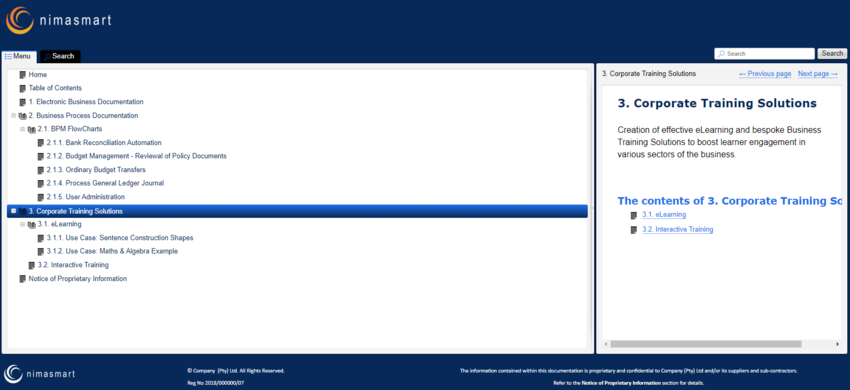
This is a high-level overview of the look and feel within the Project Link User Guide
|
|
Navigate
|
Screen
|
|
 High level look and feel of the online Project Link User Guide. High level look and feel of the online Project Link User Guide.
|
Main Screen
|
|
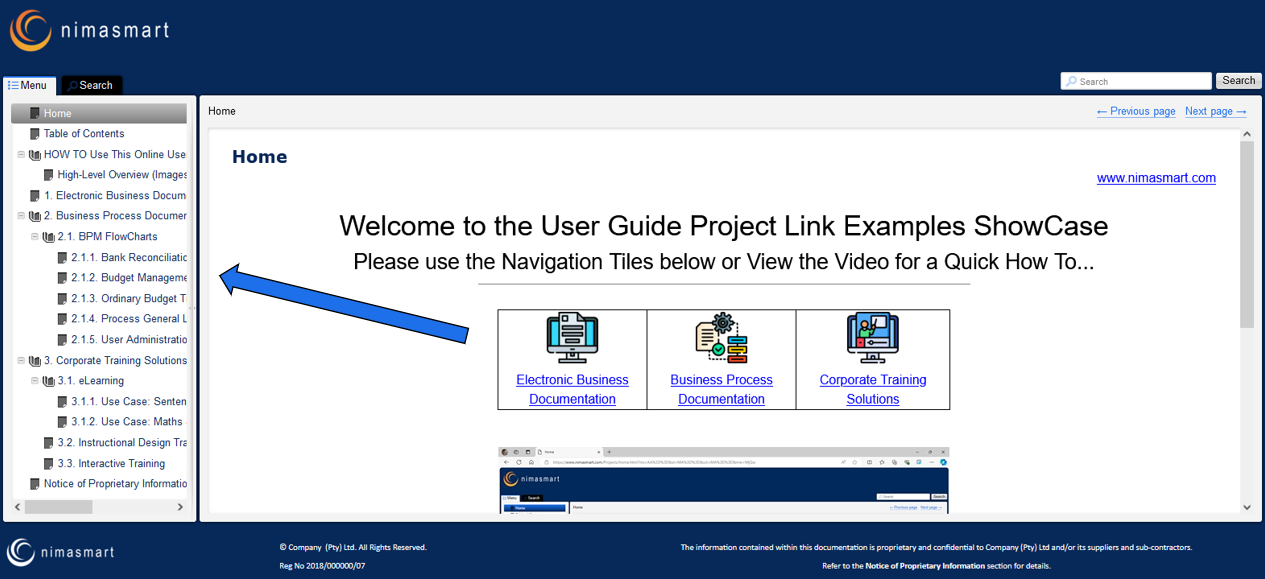
 User can click on the Menu on the left to navigate to the different sections. User can click on the Menu on the left to navigate to the different sections. |
Menu Navigation
|
|
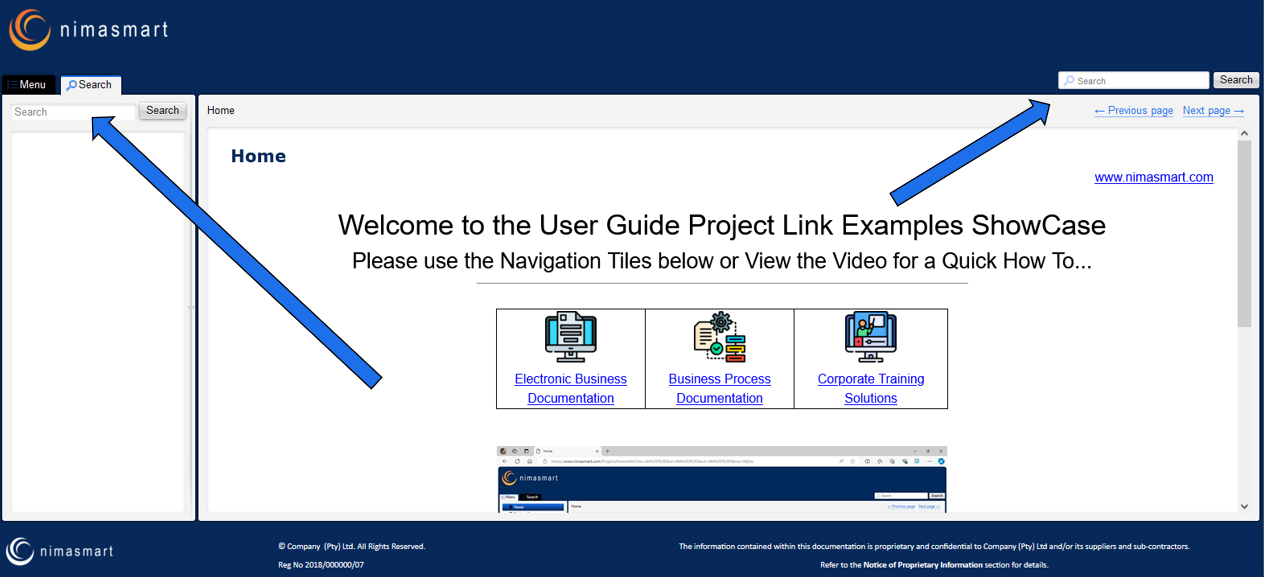
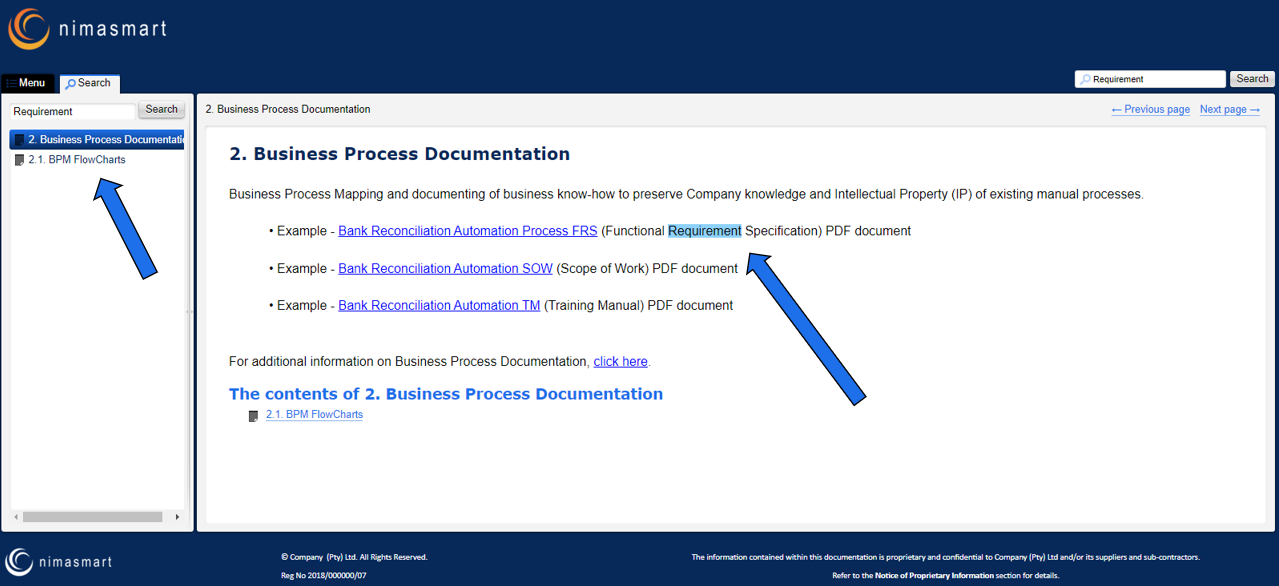
User can click on the Search Tab or Section as shown to search for specific information within the online documentation.
The searched words will be highlighted for easy visibility and a list displayed in the side Menu for easy access.
|
Search Navigation
|
|
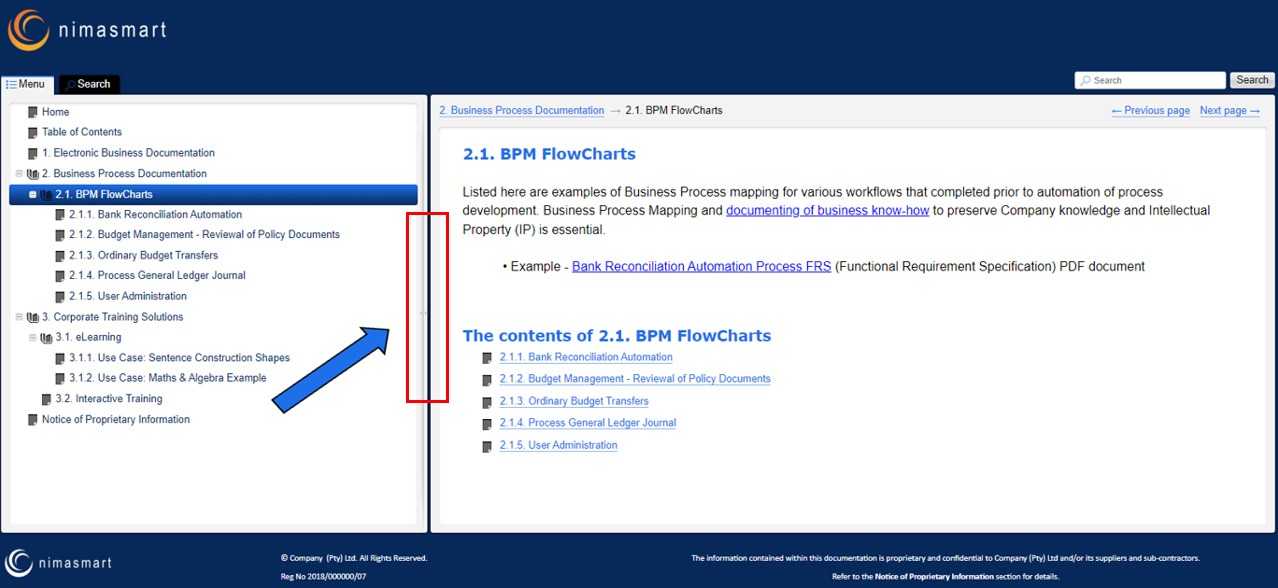
User can use the middle section to resize the screen real estate.
|
Resize Menu Navigation
|