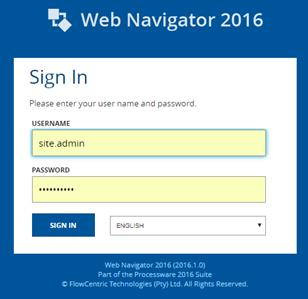
The sign on screen (Image 1) will allow all users who have access to the [Company] system to sign on by entering a username and password.
Image 1 – Log on Screen
The steps to log on are as follows: Type in your “Username”
• Type in your “Password”
• Click the “Sign In” button
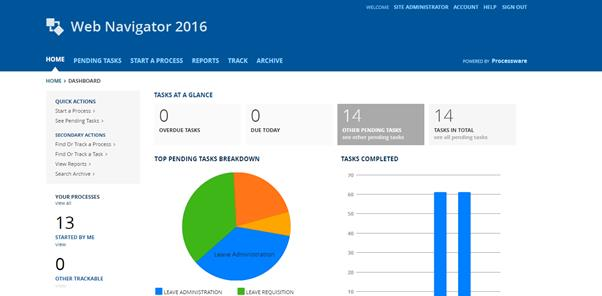
Once you have successfully signed on, the [Company] main screen will be displayed (Image 2).
Image 2 – Main Screen